Invite friends with one link
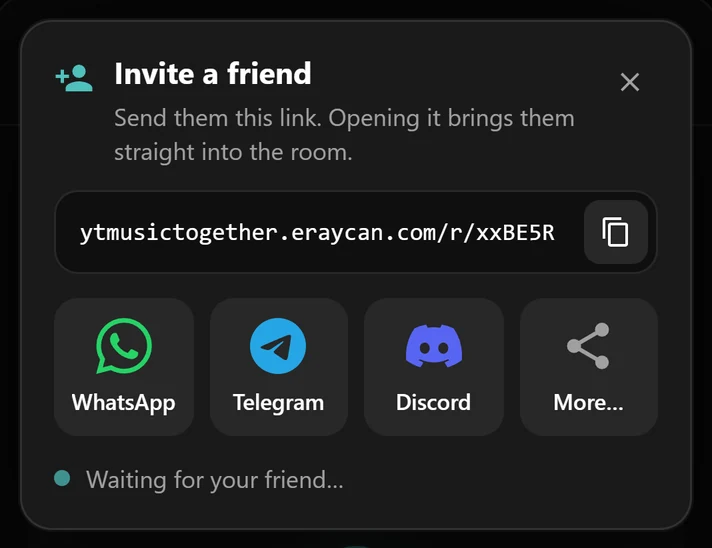
Every room has its own link. Friends who have the extension join in one click; everyone else gets a quick guide to install it.
Listen to YouTube Music with your friends. Create a room, share the link, and everyone hears every beat at the same moment, wherever they are.
See it in action
From creating a room to listening together.
How it works
Three steps, no accounts.
Open YouTube Music, click the headphones button in the bottom-right corner and create a room.
Send the invite link on WhatsApp, Telegram, Discord or anywhere you chat.
Friends who open the link land right in your room. Play, pause and skip stay in sync for everyone.
Features
Built on top of YouTube Music, so your music, your recommendations and your playlists are all still there.
Every room has its own link. Friends who have the extension join in one click; everyone else gets a quick guide to install it.
Everyone in the room hears the same moment. When someone pauses, skips or jumps ahead, it happens for everyone.
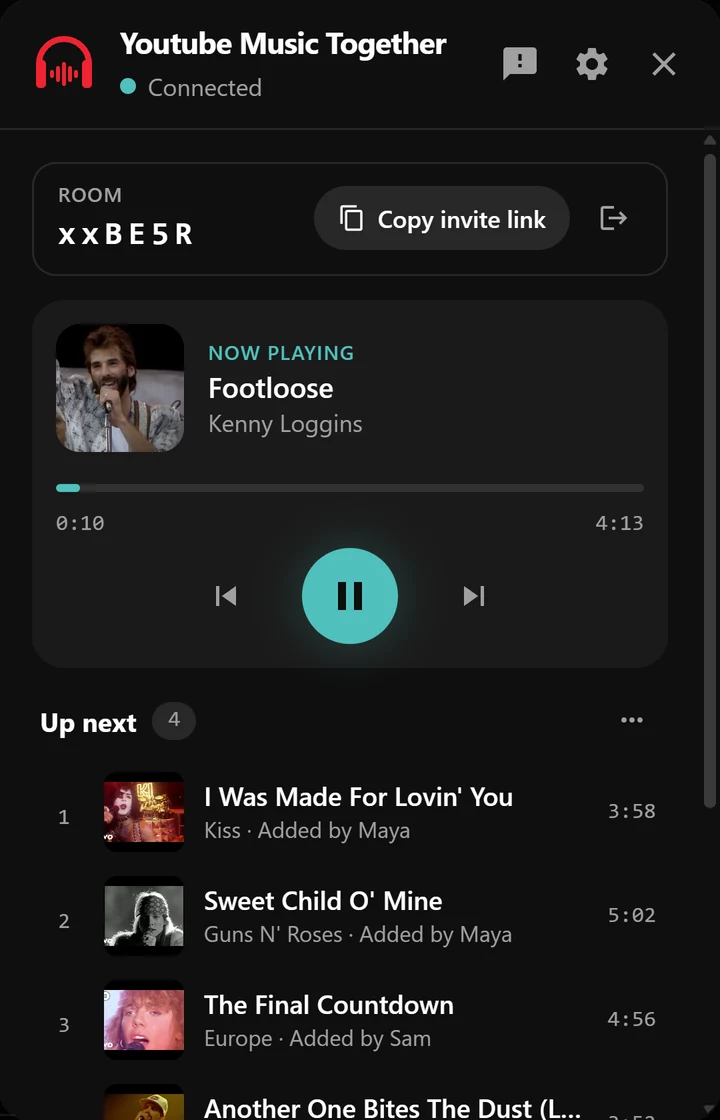
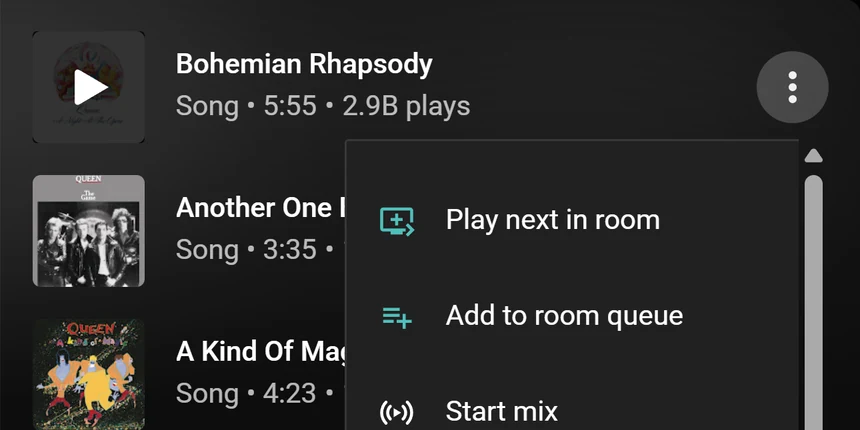
Add songs from any YouTube Music menu with “Play next in room” or “Add to room queue”, and see who added what.
Let guests play, pause and edit the queue, or keep control to yourself.
Install and start listening. No account, no email, no password.
No subscriptions and nothing to buy.
English, Türkçe, Deutsch, Español, Français, 日本語 and more.
FAQ
Yes. Everyone listens on their own computer, so each person needs the extension in Chrome or Edge and YouTube Music open.
Yes, with free and Premium accounts. Everyone plays the music on their own YouTube Music; if someone gets an ad, they rejoin the song in sync when it ends.
No. Youtube Music Together runs in Chrome or Edge on a computer.
Yes. There’s no sign-up and nothing to buy.
Only what’s needed to run rooms: an anonymous device account, the room you’re in and what’s playing in it. No email, no Google account data. Read the privacy policy.
Install the extension, create a room and send the link. It takes less than a minute.